Cyber Security
Phishing is still the front door: a 15-minute check for your team this October
October is Cyber Security Awareness Month, and phishing is still how most attacks on small businesses start. Here is a short, practical check any team can do this week.

October is Cyber Security Awareness Month. It's a good excuse to look again at the attack that still does the most damage to small businesses: the email that looks normal and isn't.
The UK government's annual Cyber Security Breaches Survey keeps finding the same thing. Phishing is the most common attack reported by businesses, by a long way. It rarely needs clever malware. It needs one busy person to click a link, open an attachment or type their password into a convincing fake page.
You don't need a big security project to reduce that risk. Here's a check you can run with your team in about fifteen minutes.
The 15-minute check at a glance
| Check | What good looks like |
|---|---|
| 1. Warning signs | Everyone can name urgency, a request to change something, and something slightly off. |
| 2. Reporting | One simple, no-blame route to report a suspicious email, even after a click. |
| 3. Payment changes | Bank-detail changes are always confirmed by phone on a number already on file. |
| 4. MFA | Switched on for email, accounting, banking and every admin account. |
| 5. Email filtering | Links are checked when clicked, and quarantined mail is reviewed. |
1. Can everyone name the three warning signs?
Ask your team, out loud, what makes an email suspicious. You're listening for three things:
- Urgency or pressure — "pay today", "your account will be closed", "the director needs this now".
- A request to change something — new bank details, a password reset they didn't ask for, a gift card purchase.
- Something slightly off — a sender address that's one letter wrong, a link that doesn't match the text, a tone that doesn't sound like the person.
If people struggle to answer, that's your most useful finding of the month.
2. Is there a no-blame way to report it?
The worst outcome isn't someone clicking a bad link. It's someone clicking it and saying nothing because they're embarrassed.
Agree one simple route, whether that's forwarding to a named person or a shared address, and make it clear that reporting quickly is always the right call.
Reporting quickly is always the right call — even after a click. The minutes after a mistake matter far more than the mistake itself.
3. Are payment changes verified by phone?
Invoice and bank-detail fraud is where phishing turns into real money. Set one rule: any request to change supplier or payroll bank details gets confirmed by phoning a number you already have on file, never one given in the email.
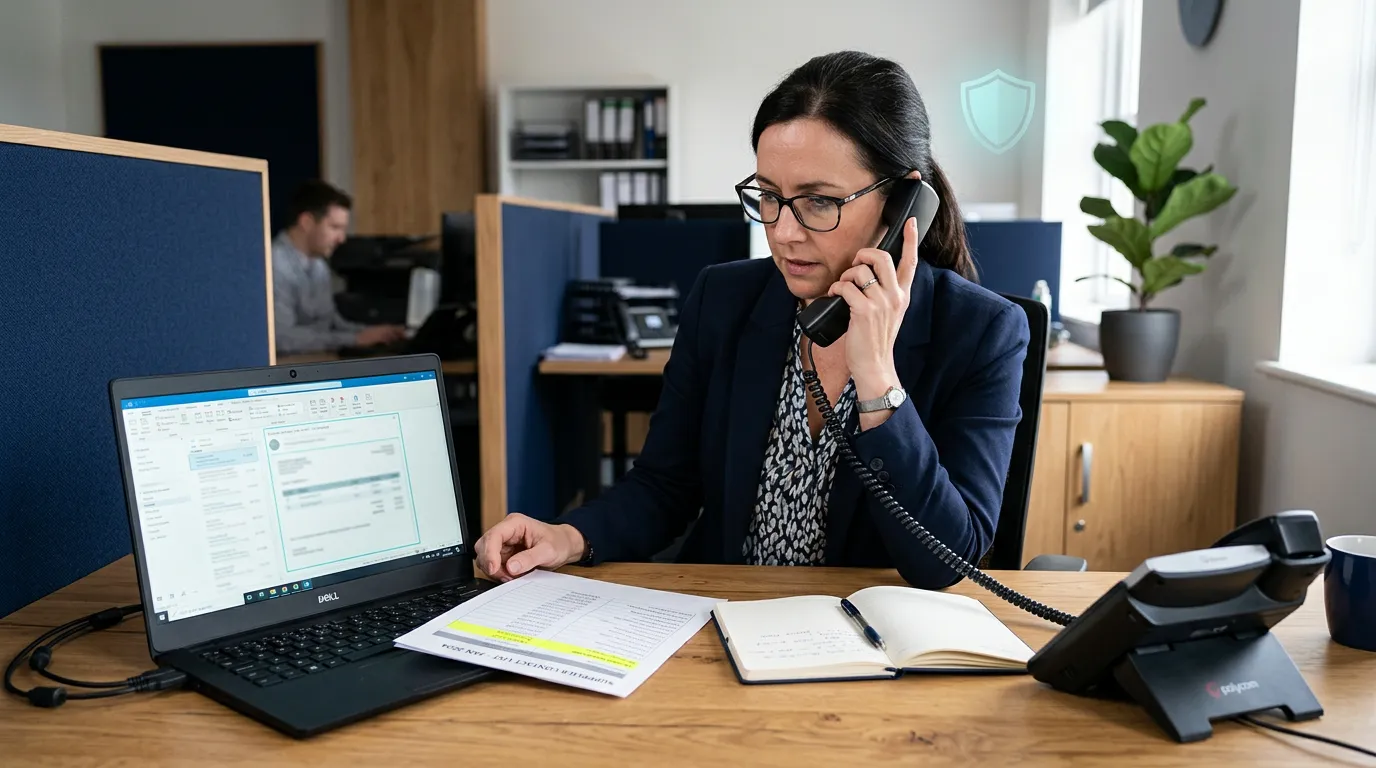
It costs two minutes and stops the most expensive version of this attack.
4. Is multi-factor authentication switched on everywhere?
If a password does get stolen, multi-factor authentication (MFA) is what stops it being useful. Check it's on for:
- Microsoft 365 or Google Workspace
- Your accounting software
- Your bank
- Any admin accounts
Most attacks we see start with someone trying to sign in, not with a virus, and MFA is the single biggest brake on that.
5. Is your email filtering doing its job?
Good filtering catches most phishing before anyone sees it. Ask your IT provider three questions:
- How is inbound mail filtered?
- Are links checked when they're clicked, not just when the email arrives?
- What happens to quarantined messages, and who reviews them?
Where we can help
Our Secure and Secure Plus plans include email filtering and threat protection, DNS filtering, security awareness training and regular phishing simulations with reporting, so you can see who's spotting the fakes and who needs a refresher. It's the practical side of awareness month, all year round.
If you'd like a hand running this check with your team, or want to know how well your current setup would stand up to a convincing phishing email, get in touch. Your IT, sorted.
Need help with your IT?
Get practical advice from the Graphite IT team.


